We offer a free WordPress speed audit, and people reasonably ask what that actually involves. Fair question — “free audit” is also what SEO cold-callers say right before they send you a scary automated report and an invoice. So here’s exactly what happens, step by step, with the kind of numbers you get at the end. No dark art, no 40-page PDF of waffle.
Step 1 — Baseline numbers, both kinds
We measure Core Web Vitals two ways, because they answer different questions:
- Lab data — a controlled test (PageSpeed Insights, WebPageTest) on a clean cache. Tells us what your site is capable of and gives repeatable before/after comparisons.
- Field data — the Chrome User Experience Report: what real visitors on real phones actually experienced over the last 28 days. Tells us what your site is actually doing to people.
The three metrics that matter, with the thresholds Google considers “good”: Largest Contentful Paint (LCP) under 2.5 seconds — how fast the main content appears; Interaction to Next Paint (INP) under 200ms — how fast the page responds when someone taps something; Cumulative Layout Shift (CLS) under 0.1 — how much the page jumps around while loading. Plus the supporting cast: TTFB, total page weight, and request count.
If the numbers are already good, we’ll say so and you can get on with your day. Genuinely — we’re not going to invent work.
Step 2 — Reading the waterfall
The request waterfall is the honest one. Line by line, it shows where the seconds actually go, and it sorts the causes into neat buckets:
- A long green bar on the first request — the server is slow before anything else happens. That’s a TTFB problem, which is almost always a hosting problem.
- Stacked CSS and JavaScript in the head — render-blocking resources holding up the first paint.
- Oversized images — a 4MB hero where a 150KB WebP belongs; often the single biggest win on small-business sites.
- Fonts doing a little dance — invisible text while three font files load. Usually fixed by self-hosting, subsetting, and
font-display: swap. - Third-party scripts — chat widgets, trackers, embeds. We once measured a social-share plugin costing 800ms on a site that didn’t even have shareable content.
Step 3 — Plugin and theme bloat, measured not guessed
WordPress sites accumulate plugins the way sheds accumulate “useful” cables. We run Query Monitor on a staging copy and get the actual cost of each plugin: PHP time, database queries, scripts and styles loaded on pages that never use them. Page builders add their own overhead, which we measure too. On the SEO side we keep things honest with Rank Math Pro — this very site runs it. But back to the audit: it’s not a guessing game — it’s a ranked list of what each thing costs you, and what can be removed, replaced, or neutralised without breaking anything you care about.
Step 4 — The hosting check
Server response time on cached and uncached pages (the gap between the two tells us how good the caching actually is), PHP version and its performance delta (the jump from PHP 7.4 to 8.x is often worth 20–50% on its own), whether an object cache exists, and database health — autoloaded options bloated past a megabyte, that kind of thing.
If hosting is the bottleneck — and on budget hosting, it usually is (we’ve written a whole article on why that is) — we’ll show you the before/after you can expect on a properly tuned stack. As a reference point: pages on our own hosting load in a few hundred milliseconds, and we’re happy to be measured on that, publicly, any time.
What you get at the end
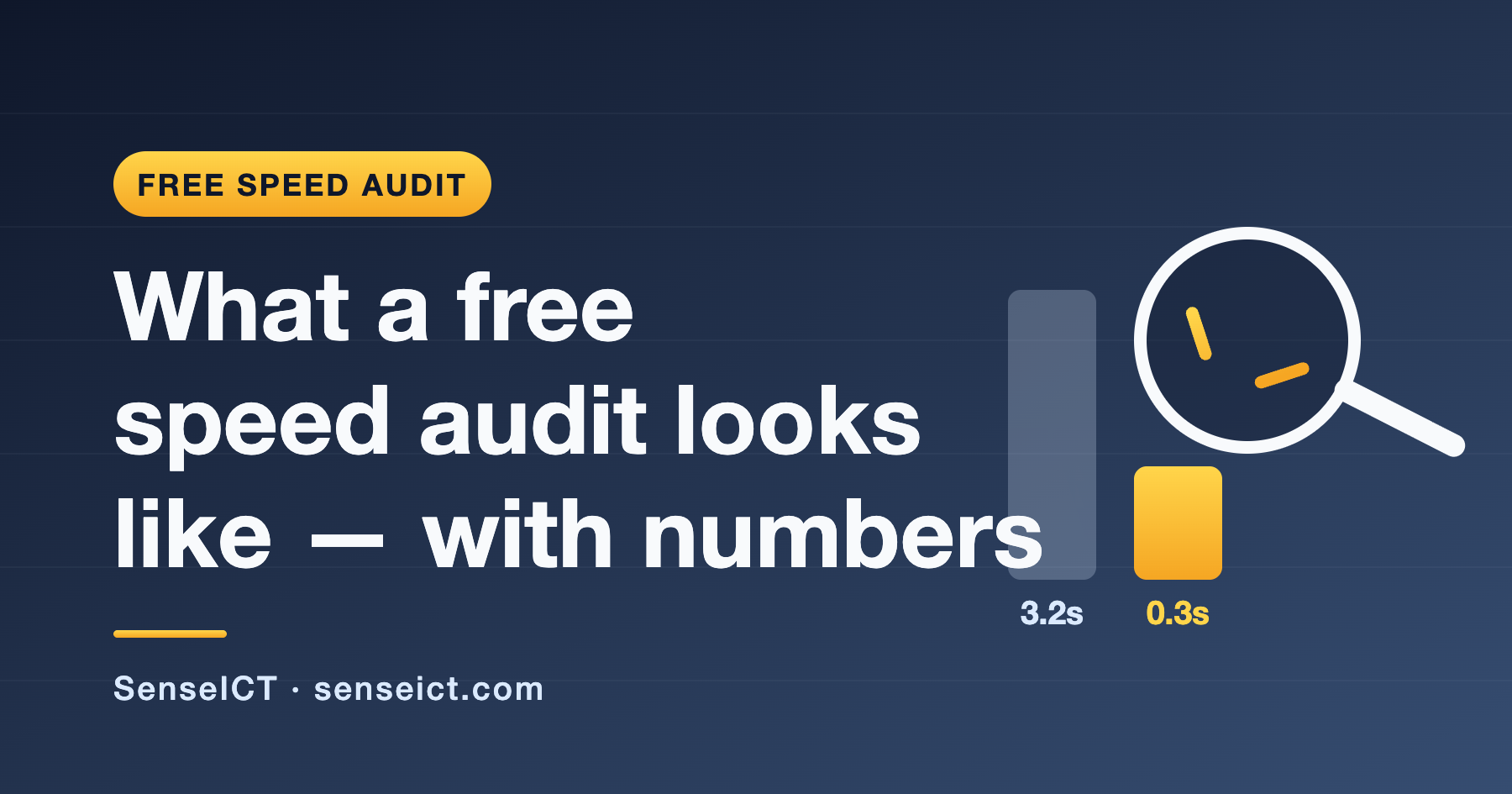
A short report in plain English: your numbers, the three or four things actually worth fixing, ranked by impact versus effort — and what it would cost if you want us to do the work. A typical result from the fixes we prioritise looks like the LCP example on our cover image: several seconds down to well under one. Your mileage varies, of course, but the direction doesn’t.
And once your site’s fast, spend twenty minutes on the security checklist — speed and security usually improve together on the same hosting fix. No obligation, no follow-up pestering, and we won’t pretend your site is broken if it isn’t. People get what they pay for, and the fast end of the market wins on proof, not promises — so the audit is where we start proving it. Book the free audit here — pick “Book a free speed audit” on the contact form and we’ll take it from there.
Affiliate Disclosure: This article contains affiliate links. If you click a link and make a purchase, we may earn a commission at no additional cost to you. We only recommend products and services we genuinely believe in. This disclosure is made in accordance with the Australian Consumer Law (ACL) and the AANA Code of Ethics. Thank you for your support.